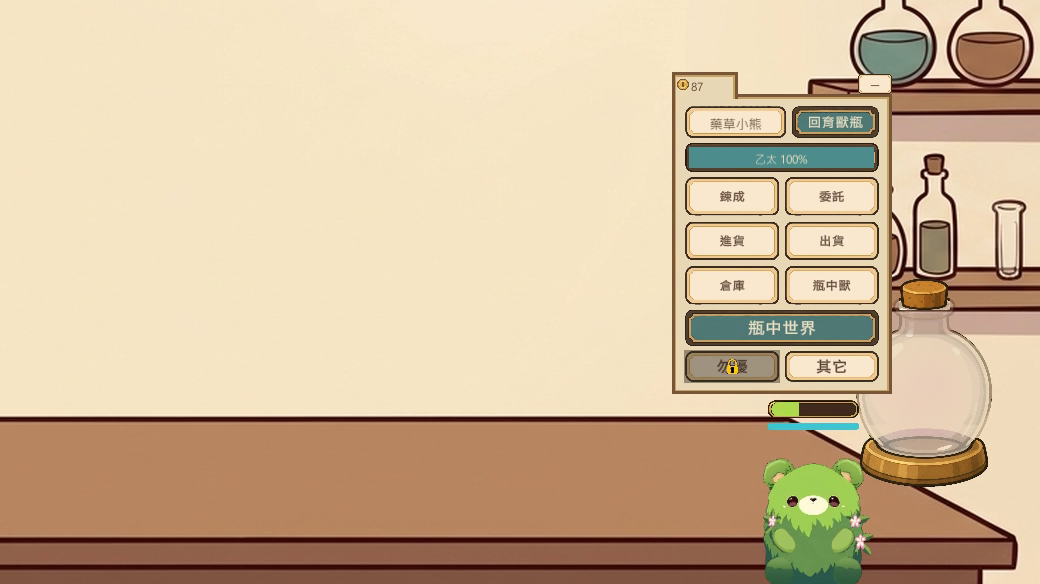
Keep it company
Drag the bottle anywhere on your desktop, let your Phial Spirit out to walk around, pick it up, pat its head and feed it.
 Goo Co., Ltd

A little alchemical creature lives in a bottle on your desktop — and it's happy just to keep you company.
No timers to race, no pop-ups, no punishment for being away.
Drag the bottle anywhere on your desktop, let your Phial Spirit out to walk around, pick it up, pat its head and feed it.
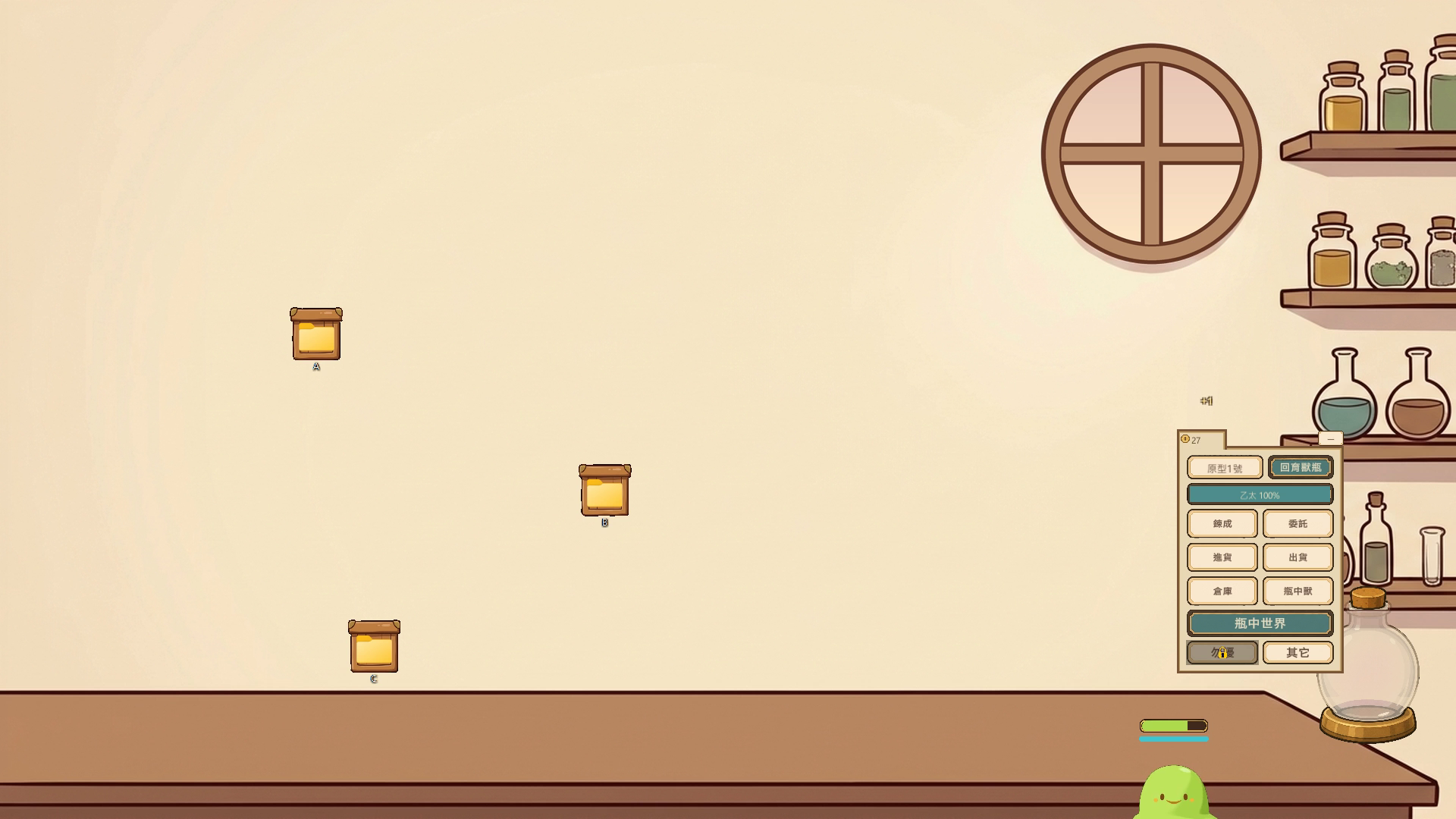
Buy materials, ship goods for gold, and craft food and goods with Alchemy. Refine items to raise their star rank.
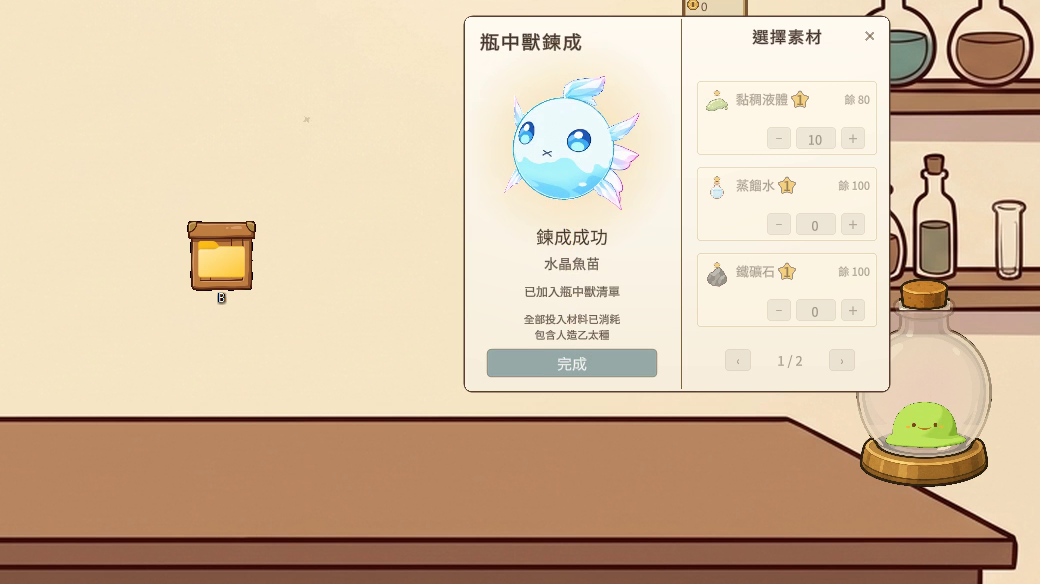
Phial Spirit Alchemy combines an Artificial Ether Seed with materials of your choice.
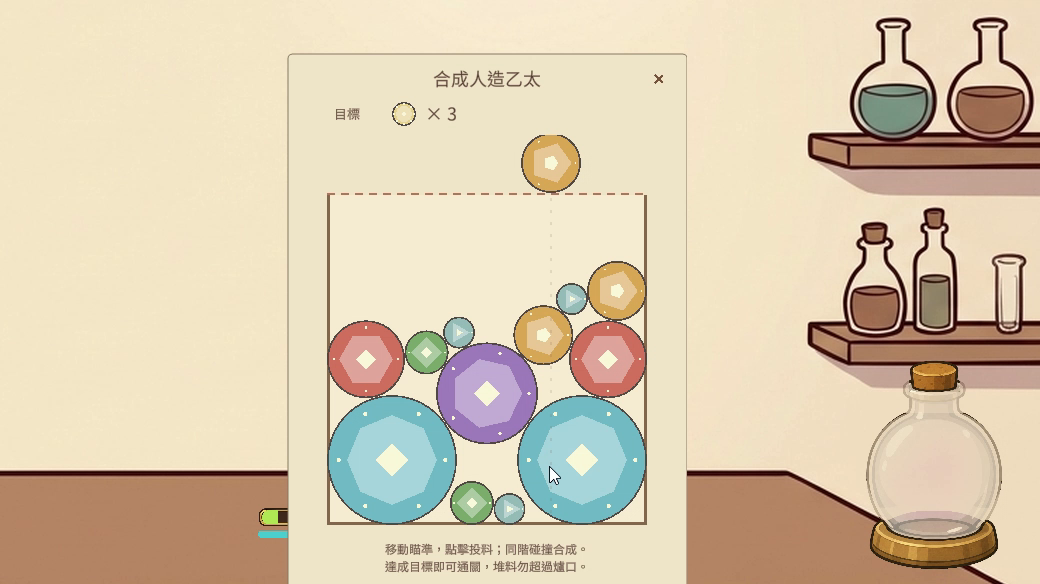
Short mini-games: mining, herb gathering, element extraction, ether synthesis and potion sorting.
Satiety only drops while the game is running and your Phial Spirit is visible. Nothing is deducted for time offline, and an empty stomach never causes death or any permanent loss.
Hide it, recall it to your current screen, or turn on click-through from the tray icon whenever you need your desktop back. Progress saves automatically.
Optional, asked on first launch: each key press and each mouse click outside the game adds a little gold. The game only counts them — it never records which keys you press, cursor positions or screen content, and saves no input history. You can turn it off any time and play normally.
With Music on, the game reads only your system's media playback state to pause its background music; it never reads what is playing. The developer does not collect any data. (The Unity engine itself sends anonymous hardware statistics, such as GPU and OS, to Unity.)
Desktop Workshop is set in the world of Alchemist & Phial Spirit.
Read the original novelThe game currently runs on Windows only. Copy the link and download it on your PC.
This is an Early Access build. Progress from Early Access will not carry over to the full release; the full release starts fresh. Your Early Access save stays on your PC and is never deleted by the game.
| System requirements | Minimum |
|---|---|
| OS | Windows 10/11 64-bit (currently tested on Windows 11) |
No. The full release starts fresh. Your Early Access save stays on your PC and is never deleted by the game.
Click More info, then Run anyway.
The game has no regular window: the bottle appears on your desktop and an icon appears in the system tray. Right-click the tray icon to show the main menu, hide the companion, recall it to the current screen, or exit (the tray menu is currently in Traditional Chinese only).
To update, replace the game folder with the new version. Your save is kept.
To uninstall, exit the game and delete the game folder. Saves are in %USERPROFILE%\AppData\LocalLow\GooCoLtd\AnPDesktopWorkshop\; delete that folder too to remove them.
The bottle, Phial Spirit and menu move to another monitor together; screen readers cannot read the desktop elements yet; the tray menu is currently in Traditional Chinese only.

在Discord的應用開發中,原生UI的排版限制非常嚴苛,像一行Action Row最多只能放5個按鈕這可苦了我在《鍊金術師與瓶中獸》的主控介面裡,第三行是寵物相關的按鈕,完整的應該是[進化][緊急救治][餵食][交換][瓶中獸煉成][歸原]不光是塞不下的問題,即使塞的下,一排看來也是又臭又長如果換行的話,又會斷開行跟按鈕類型的關聯,而且Discord規定最多5行,實在不好放開說換就換因此這裡就得花點心思:1. 把平常不會用到的按鈕藏起來2. 確保同行按鈕數不會超過5在歸納後,把[進化][緊急救治][交換][歸原]這些使用條件較高且使用頻率較低的按鈕設為條件顯示因此最初能看到的按鈕只有:[餵食

W78(2025-9-1~7)- 設計/實作第二關一般事件(約50%)- 設計/實作第二關道具(約65%)- 新增新對戰失敗類型與相關處理(已完成)第二關內容繼續充實中近期在設計內容時發現了一些問題, 引發了我一連串的省思起因是設計了一個讓玩家付錢進行挑戰的事件, 打贏的話可以獲得關卡目標的線索那打輸了呢?要知道本作關卡是走roguelike模式, 也就是一旦死亡, 關卡進度會直接清零如果將死亡作為該挑戰事件失敗的懲罰, 是否會太重了?會有這個顧慮是因為:- 從獎勵稀缺性來說, 這個事件的獎勵並不是唯一的、甚至不是必要的- 從敘事上來說, 這個挑戰設是店家活動, 搞成殺頭買賣跟作品世界觀調性不
W77(2025-8-18~31)- 設計/實作第二關一般事件(約45%)- 設計/實作第二關道具(約60%)其實第二關是能玩的了關卡機制、主線劇情與物品、關卡Boss等都是已經完成的只是到能夠推出讓人玩還有一段距離, 問題在於內容量本作主要的遊戲性除了卡牌對戰, 還有一個是大富翁式的探索方式這種方式需要有一定量的"事件"來支撐, 否則會很雞肋所以要給怎樣的"事件"、至少要有多少量, 都是難題比如第二關要求玩家製作四種類型的料理後才能挑戰boss如果都只是通過對戰與道具店來蒐集四種類型的料理或材料, 是很單調的, 且也不好引導讓玩家獲取這部分訊息在我的設想中是希望分別至少有一的事件來對應, 通